Online Code Editor
Edit HTML, CSS, JavaScript and supported text files directly in the browser.

MakeDeploy is a simple platform to create, edit and publish static websites. No installation and no complex setup. Create your project, manage every file, preview changes and publish your website in seconds.
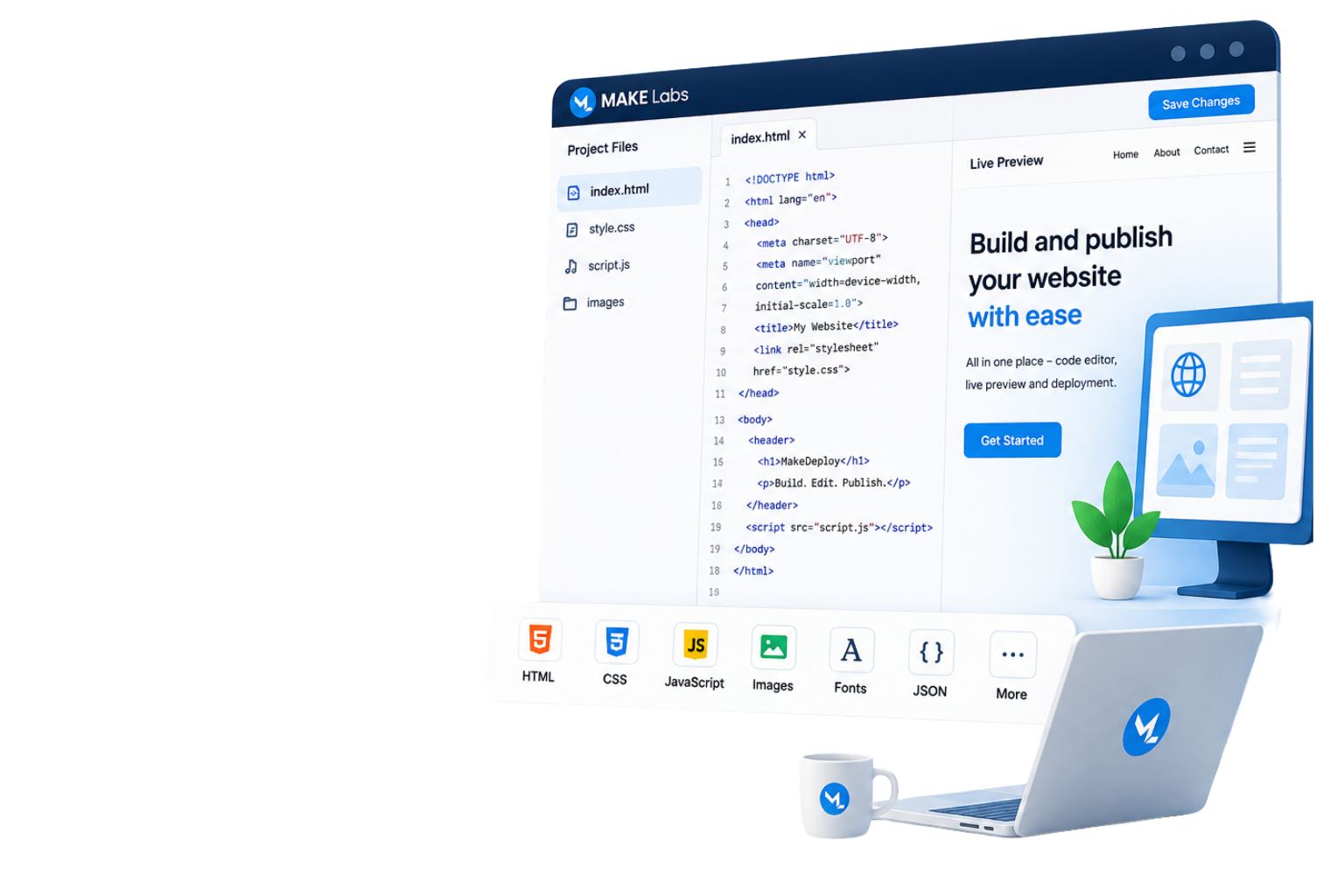
Edit HTML, CSS, JavaScript and supported text files directly in the browser.
See unsaved HTML, CSS and JavaScript changes while editing.
Create, rename, copy, move, download and delete project files and folders.
Upload ZIP projects with or without wrapper folders. The website root is detected automatically.
Save your project and publish it instantly using a public website URL.
Download the complete project as a ZIP file whenever required.
Create and publish a static website in six simple steps.
Create your free account.
Enter the project name.
Upload a file, folder or ZIP.
Edit files with live preview.
Save and publish the website.
Share the published URL.
Host static frontend projects and common website assets.